What it does
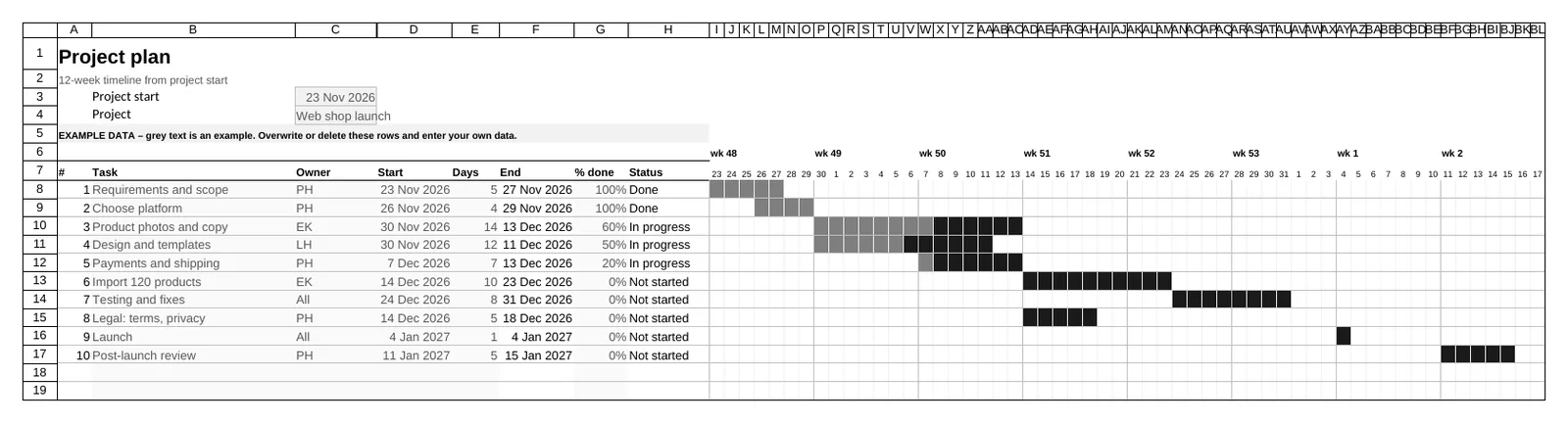
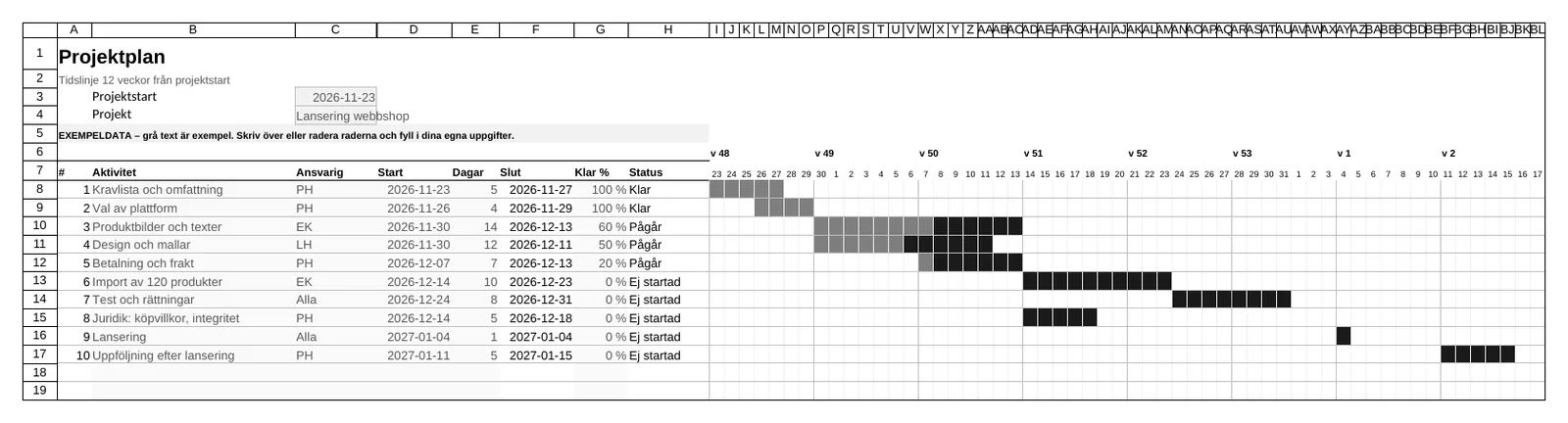
Plan a project of up to 40 tasks. Enter the start and duration in days, and the timeline is drawn automatically across 12 weeks, with black bars for planned work and dark grey for what is done.
11 / 20 · Time and projects
A Gantt chart that draws itself from your dates.
SEK 119
Incl. 25% Swedish VAT. Buyers outside the EU and EU businesses with a valid VAT number pay 20% less.
Also part of the bundle with all 20 templates for SEK 499. All 20 templates
Middle Earth Consulting AB contributes 1% of your purchase to removing carbon dioxide from the atmosphere.
Plan a project of up to 40 tasks. Enter the start and duration in days, and the timeline is drawn automatically across 12 weeks, with black bars for planned work and dark grey for what is done.